By FleetTracking.io Editorial Team · Updated 20 June 2026
How does vehicle tracking work?
At its simplest, vehicle tracking combines three things: a satellite signal that fixes a vehicle's position, a small device fitted to the vehicle that reads that position, and a mobile data connection that sends the information to software you can log into. Put together, these let you see where every van, car or asset is, where it has been, and how it is being driven. This guide is GPS vehicle tracking explained in plain English, so you can understand the technology before you compare suppliers.
GPS satellites and the tracking device
The journey starts in space. A network of GPS (Global Positioning System) satellites continuously broadcasts timing signals back to Earth. The tracking device fitted to your vehicle contains a GPS receiver that listens for these signals from several satellites at once. By measuring the tiny differences in how long each signal takes to arrive, the device calculates its own position, usually accurate to within a few metres.
The device itself is a compact unit, often no bigger than a matchbox. As well as the GPS receiver, it contains a SIM card and a small processor. It quietly records the vehicle's location at regular intervals, ready to be sent on to the tracking platform.
How the data is sent over the mobile network
Knowing where a vehicle is would not be much use if that information stayed locked inside the device. This is where the mobile network comes in. The SIM card inside the tracker connects to the mobile data network, in the same way your phone does, and transmits each position update to the supplier's servers.
Updates are sent frequently, often every few seconds to a minute while the vehicle is moving, so the picture you see is close to live. If a vehicle drives through an area with no mobile coverage, a good tracker stores the data on board and uploads it automatically once a signal returns, so no part of the journey is lost.
The software platform and dashboard
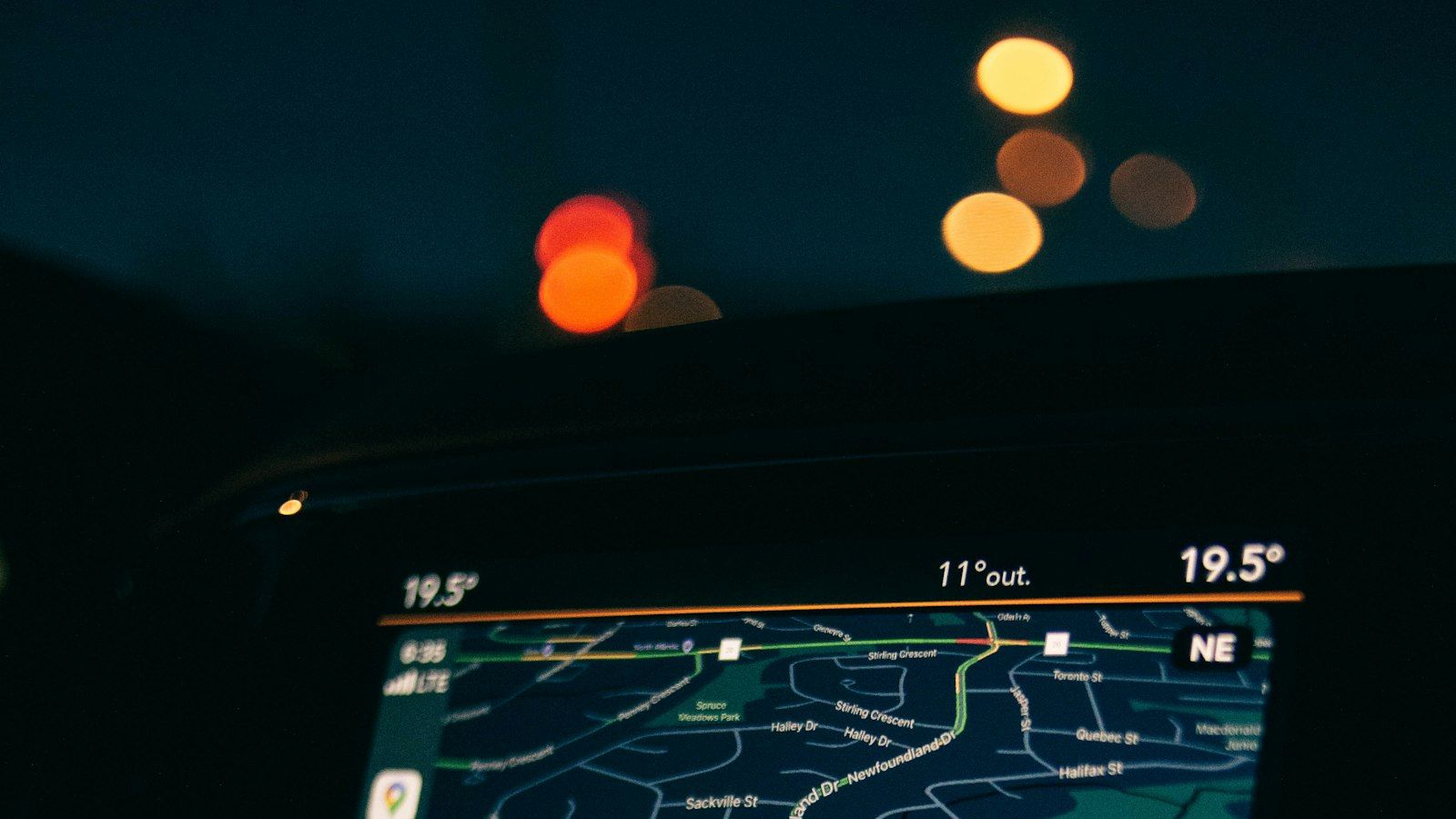
The position data lands in the supplier's software platform, which you reach through a web browser or a mobile app. This dashboard is where the raw signals become something useful: vehicles appear as icons on a live map, alongside reports, alerts and journey histories.
From one screen you can typically see which vehicles are on the road, who is closest to a customer, and which are parked. Most platforms also let you set up automatic alerts, for example if a vehicle moves out of hours or enters a defined area. This combination of hardware, network and software is the heart of how telematics works.
Real-time versus historical journey data
Tracking data comes in two flavours, and both are valuable.
- Real-time data shows you what is happening right now: live vehicle positions, current speed and whether the engine is running. This is ideal for dispatching the nearest driver, giving customers accurate arrival times and responding quickly if a vehicle is taken without permission.
- Historical data is a stored record of past journeys. You can replay a route, see where and for how long a vehicle stopped, and confirm whether a job was attended. This is useful for resolving customer queries, verifying timesheets and reviewing performance over weeks or months.
What data is actually captured
Modern trackers record far more than a dot on a map. Telematics is the broader term for collecting and transmitting this richer information. While the exact detail varies by device and package, the data typically captured includes:
- Location and the route taken throughout each journey.
- Speed, which can be compared against road limits where supported.
- Idling time, showing how long the engine runs while stationary.
- Driving events such as harsh braking, sharp acceleration and aggressive cornering.
- Mileage and engine hours, useful for servicing and expenses.
Some systems add extras such as fuel data, temperature sensors for refrigerated loads, or driver identification so journeys can be matched to the right person.
The main types of tracker
There is no single device that suits every business. The right choice depends on your vehicles, your budget and how much you want to fit yourself. The main options are set out below.
| Type | How it fits | Best for |
| Self-fit plug-in (OBD) | Plugs straight into the vehicle's OBD port, no installation required | Cars and vans where you want a quick, do-it-yourself setup |
| Hardwired | Wired discreetly into the vehicle by an engineer | Permanent, tamper-resistant tracking across a fleet |
| Battery / asset | Self-contained unit with its own long-life battery | Trailers, plant, machinery and other unpowered assets |
Plug-in OBD trackers are the easiest to get started with and can be moved between vehicles. Hardwired units are favoured by larger fleets because they are hidden and difficult to remove. Battery-powered asset trackers are designed for equipment with no power supply of their own, reporting less often to preserve battery life.
What businesses do with the data
The technology only pays off when the information is put to work. Businesses commonly use vehicle tracking to plan smarter routes and cut fuel costs, by reducing idling and unnecessary mileage. Live locations help dispatchers send the nearest driver to a job and give customers reliable arrival windows.
The data also supports safer, fairer operations. Reviewing driving events can highlight where coaching would help, which may in turn reduce wear, accidents and insurance claims. Accurate journey records make it easier to confirm hours worked, settle disputes and prove a job was completed. Many operators also value the added security: if a vehicle or asset is stolen, its last known position can be a real help in recovering it.
Ready to find the right system for your vehicles? Compare free, no-obligation quotes from up to 3 trusted suppliers using the form below.